
DonkyCapital for Android
Get the native Android experience — faster loading, push notifications, biometric auth, and home screen widgets.
 or use DonkyCapital instantly via browser (PWA) — no download needed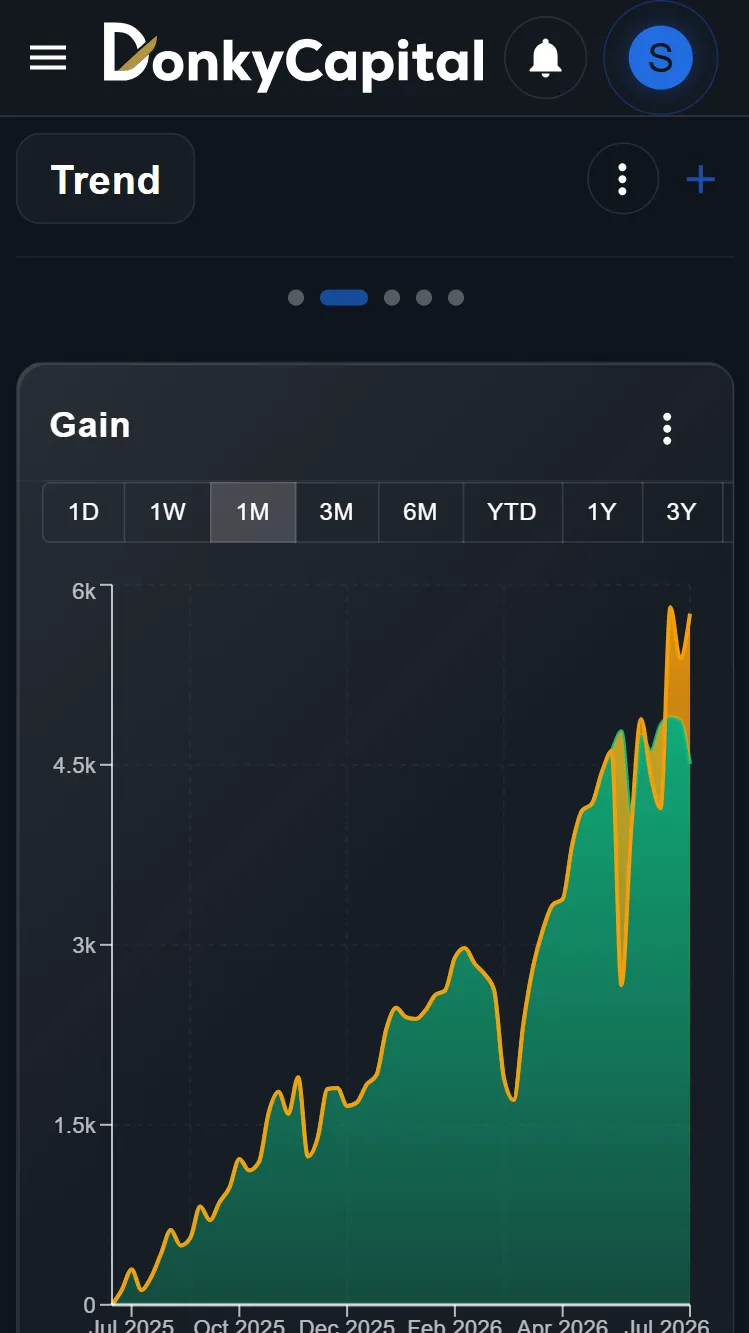
Why choose the native Android app?
Faster performance & push notifications
The native Android app loads instantly and keeps your portfolio synced in the background. Receive push notifications for rebalancing alerts, dividend payments, and allocation drift — directly on your phone, even when the app is closed. No need to keep a browser tab open.
Biometric security & offline access
Unlock your portfolio with fingerprint or face recognition — no need to type your password every time. The app also caches your data locally, so you can view your portfolio value, allocation, and recent transactions even without an internet connection. Perfect for checking your investments on the go.
Home screen widget & multi-broker sync
Add a DonkyCapital widget to your home screen for a real-time snapshot of your portfolio — no need to open the app. Track all your brokers in one place: DEGIRO, Scalable Capital, Trade Republic, Fineco, and more. The native app automatically pulls your latest data so you always see current values.
Native Android App
Push notifications for portfolio alerts
Biometric authentication (fingerprint / face unlock)
Offline portfolio viewing
Home screen widget for quick glance
Real-time price updates
Multi-broker consolidation
How to get started
Download from Google Play
Tap the button above to download DonkyCapital from the Google Play Store. The app is free to install and works with all our pricing plans.
Log in to your account
Use your existing DonkyCapital credentials or create a new account directly from the app. Biometric login is supported on all devices with fingerprint or face unlock.
Start tracking your portfolio
Import your transactions from DEGIRO, Scalable Capital, Trade Republic or any other broker using CSV/XLSX upload or the AI Magic Importer. Your portfolio syncs across the app and web automatically.
Optimized for tablets too
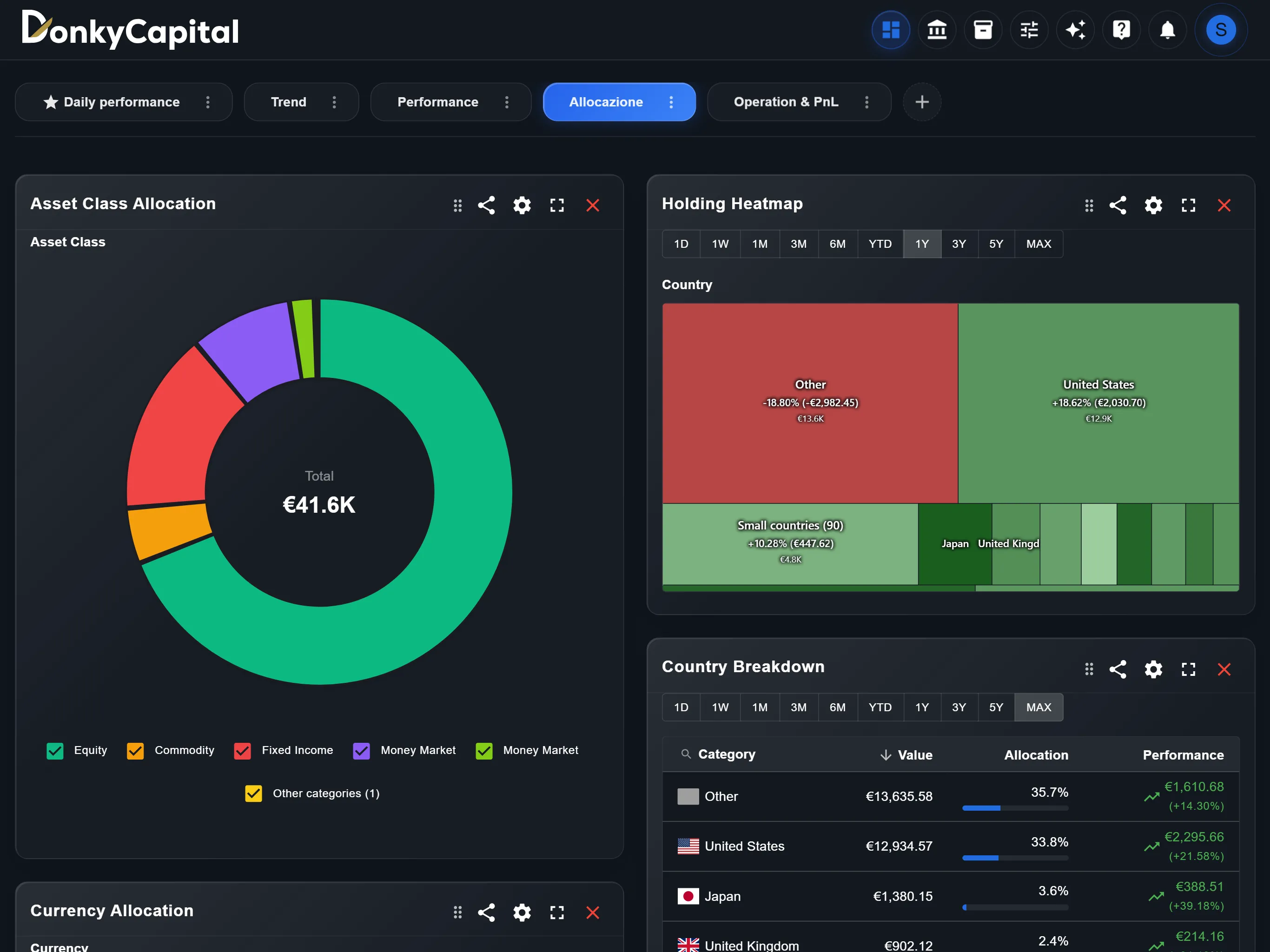
The full dashboard experience on iPad and Android tablets with multi-window support.
Frequently Asked Questions
Yes, the app is free to download and install. You can use it with the Free plan or upgrade to Standard or Premium for additional features. All plans include access to both the mobile app and the web dashboard.
No. Your portfolio data syncs automatically between the web dashboard and the Android app. Log in with the same account and everything will be there — transactions, custom dashboards, goals, and settings.
Absolutely. Your account works seamlessly across all platforms. Track your portfolio on your phone during the day, run detailed analysis on the web dashboard at night. Changes made on one device are reflected everywhere instantly.
DonkyCapital works great as a Progressive Web App (PWA) on any device — including iPhone, iPad, and desktop. You can install the PWA directly from your browser without going through an app store. The experience is nearly identical to the native app.
DonkyCapital for Android
Get the native Android experience — faster loading, push notifications, biometric auth, and home screen widgets.
or use DonkyCapital instantly via browser (PWA) — no download needed